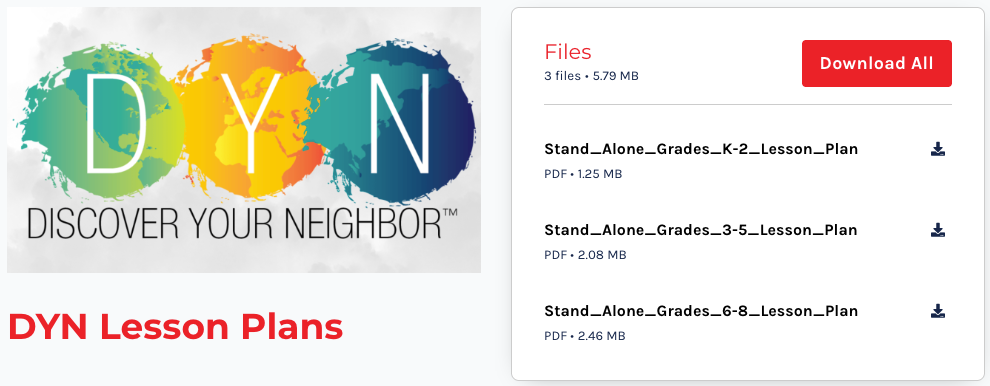
DYN Fall 2026 Lesson Plans

How to Access the Free Maryknoll Educator Lesson Plans

Step 1: Sign Up for the Free Lesson Plans

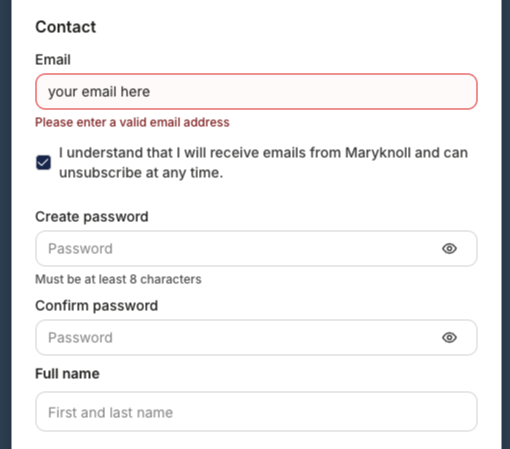
Enter your email address and full name in the Contact Form.
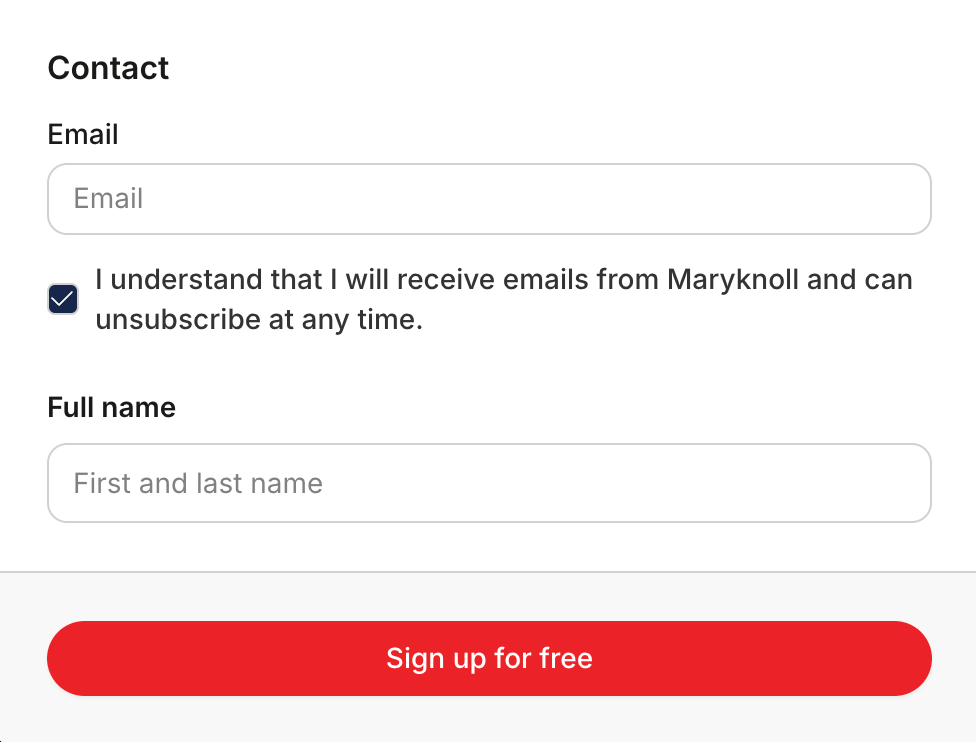
If you have not yet created a free account,

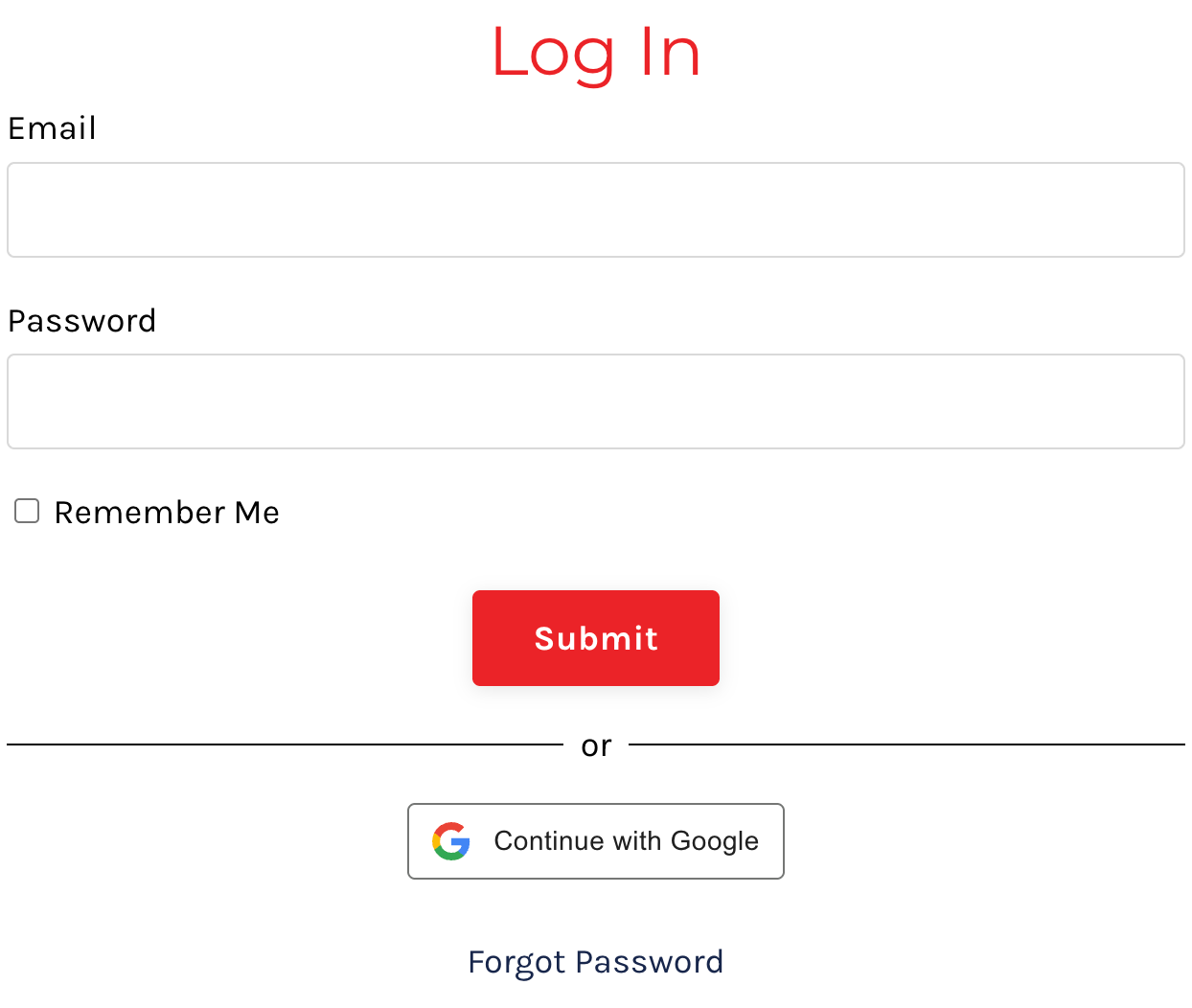
on the next screen, you will be prompted to select a password or continue with Google.

If you have already created an account,

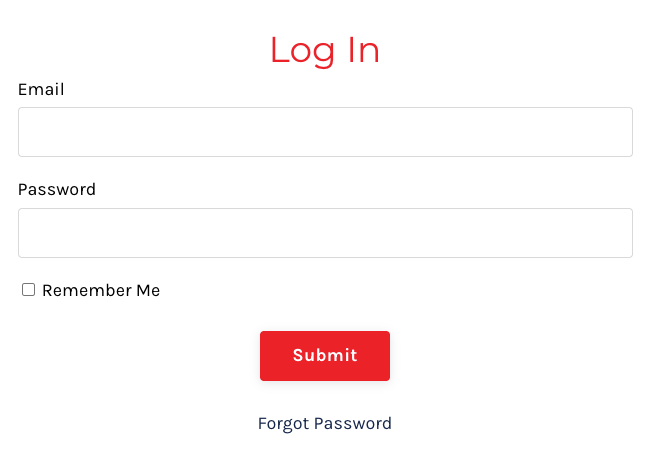
you will be redirected to a log-in page.

If you have not yet created a free account, you will be prompted to select a password:

Click “Sign up for free.”

If you have not yet created a free account,

you will be prompted to select a password:

If you have not yet created a free account,
you will be prompted to select a password:

Click “Sign up for free.”

If you have already created an account,

you will be redirected to a log-in page:

If you have already created an account, you will be redirected to a log-in page:

Click “Sign up for free.”

Step 2: Go to Your Library

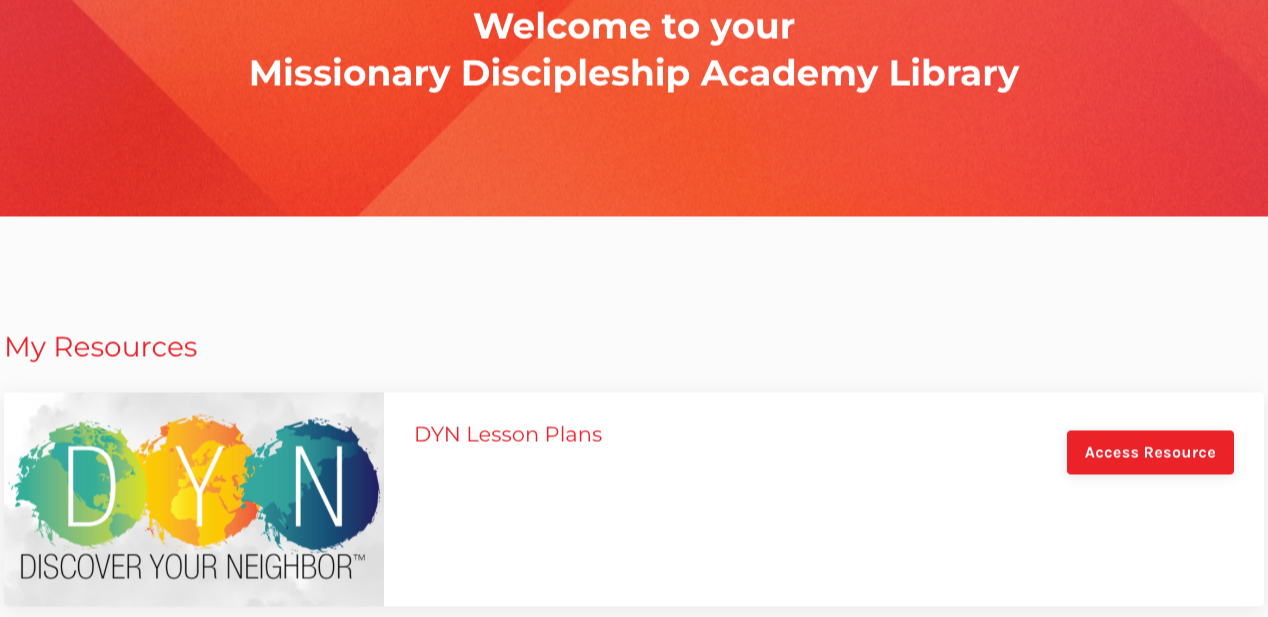
After creating your account, you will be taken to your Missionary Discipleship Academy Library.

Under My Resources, look for:
DYN Fall 2026 Lesson Plans

Then click “View Resource.”

Step 3: Download the Lesson Plans

You will now see the lesson plan files.

Click the small download icon next to each file to download one lesson plan at a time.

You may also click “Download All” to download all available lesson plans at once.

The lesson plans are PDF files that can be saved, printed, or shared with your group.

Back to Top